Test your own web apps.Read the results in plain words.
Pick your site and how thorough to be, and brainproxy's guided scan crawls, tests and tells you what to fix first, in a desktop app for macOS, Windows and Linux. We built it for Braintruder's own testing; it's free and open source, with the full toolkit - proxy, replay, fuzzer and CLI - when you want to go further.
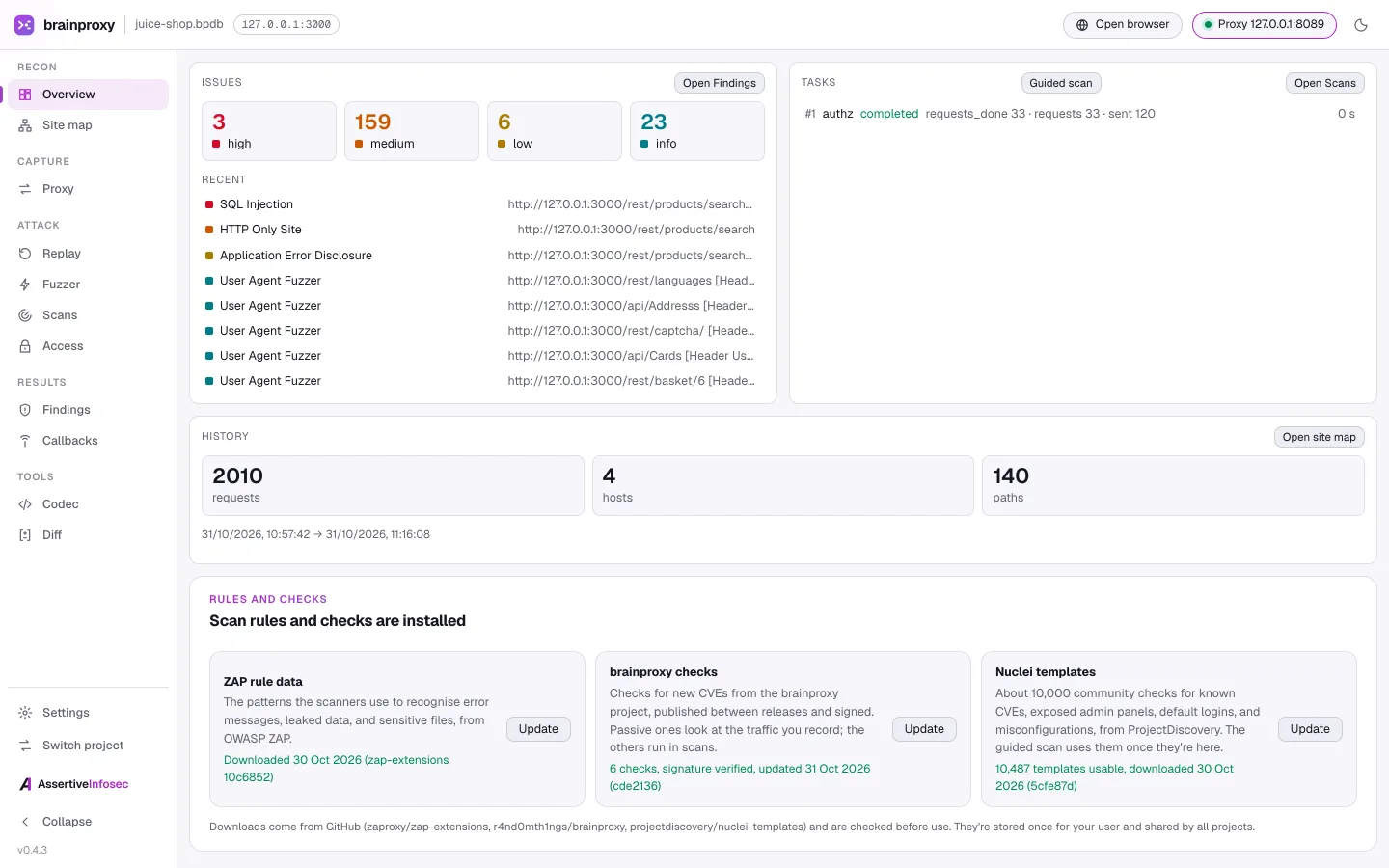
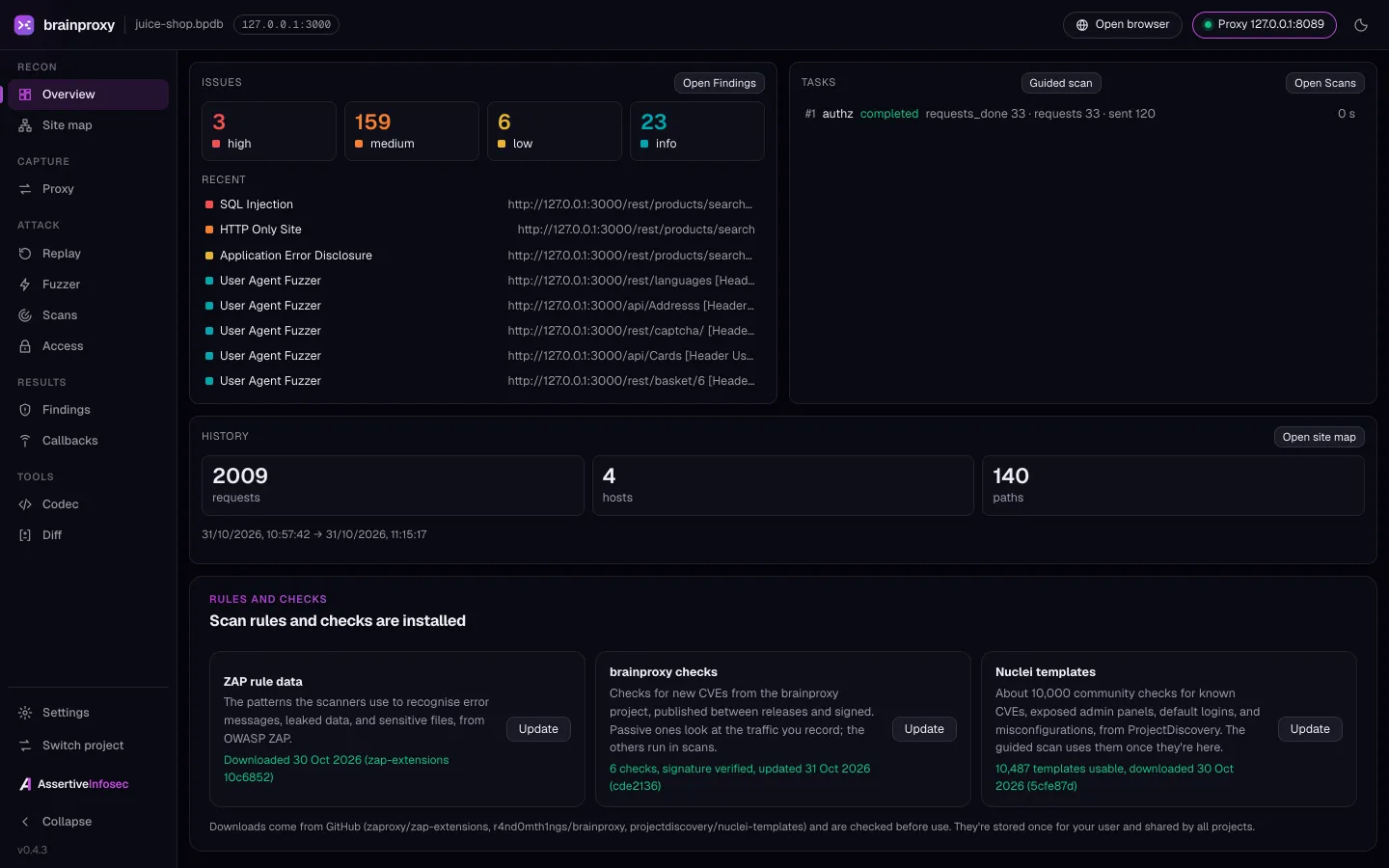
Easy to start. Deep when you need it.
Start with a guided scan and a readable report. The proxy, replay, fuzzer and CLI are there when you want them. Checking your own apps shouldn't need a specialist.
A guided scan at the depth you choose
Give it your website, say whether it needs to log in, and pick Quick, Standard or Thorough - and how hard it may push the site. It crawls, tests and explains what it found.
Reports people can read
An HTML report with a plain-words summary and what to fix first, the technical evidence folded away until someone needs it. It prints cleanly to PDF.
See what your fixes fixed
Scan again after a fix and compare: new, still found, or not found again - counting only what the new scan actually covered.
New CVE checks without a new release
brainproxy's own checks come from a signed feed, verified before anything is installed and checked for updates daily, with one-click quick checks for new CVEs.
Proxy, replay and fuzz when you dig deeper
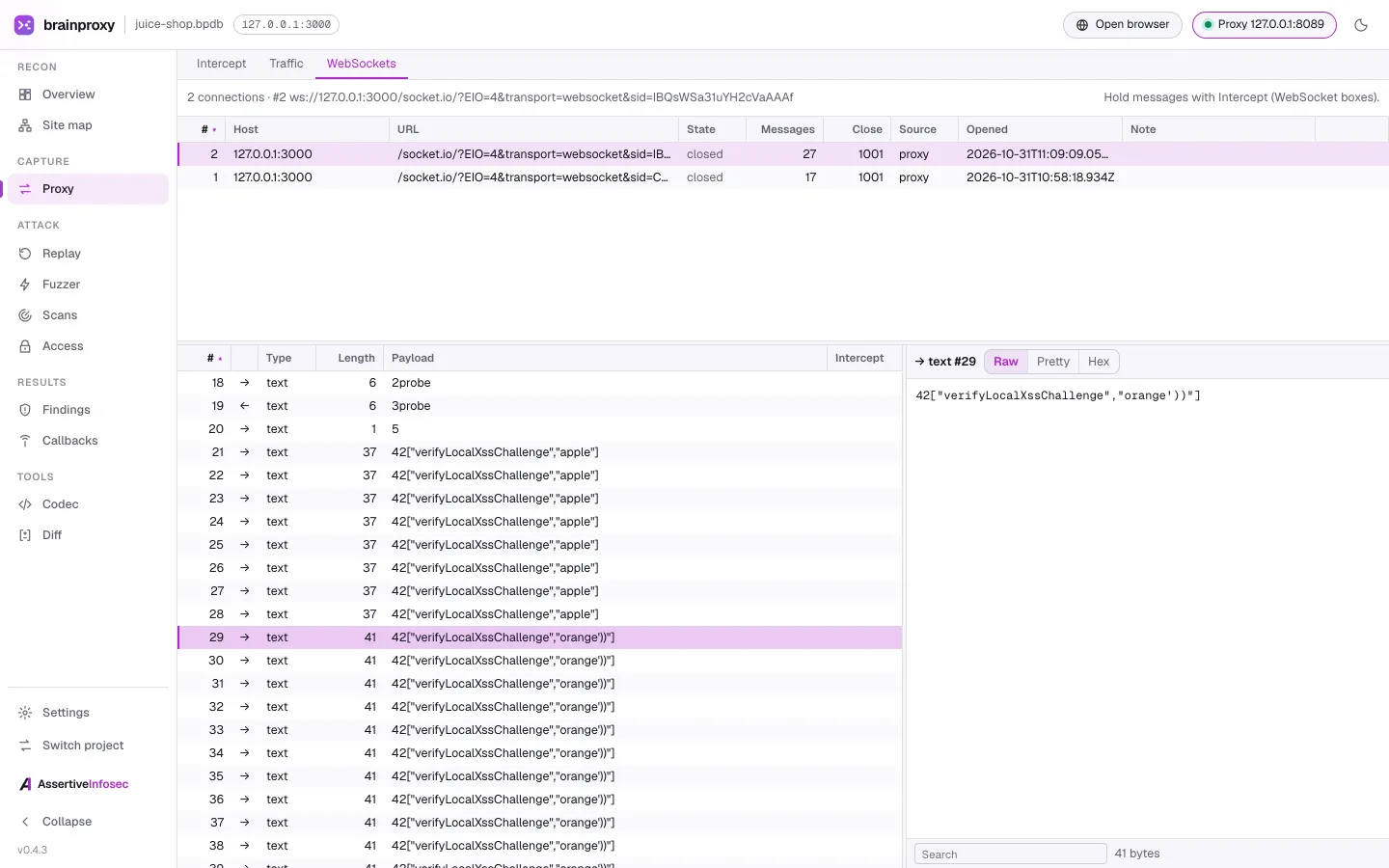
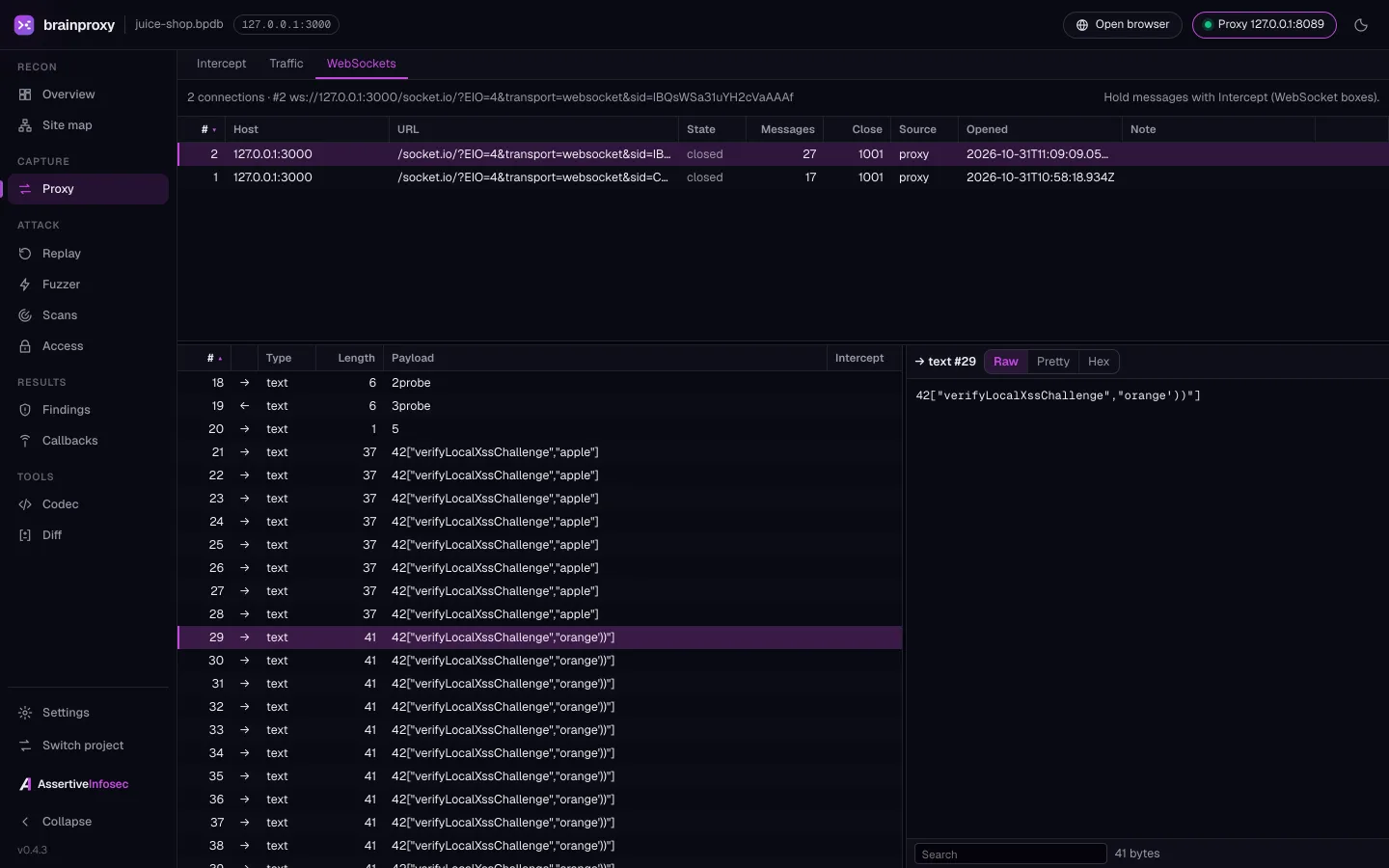
Record traffic through the intercepting proxy, edit and resend requests, fuzz parameters and test race conditions. WebSocket traffic is recorded and replayable too.
The same power on the command line
Everything in the app is also a CLI command with structured JSON output. Script it, or run the static Linux binary on a headless box with no dependencies.
A desktop app and a CLI, one engine.
Everything you can click in the desktop app, you can also run from the command line. Shown here testing OWASP Juice Shop, a deliberately vulnerable demo app, on a local machine.
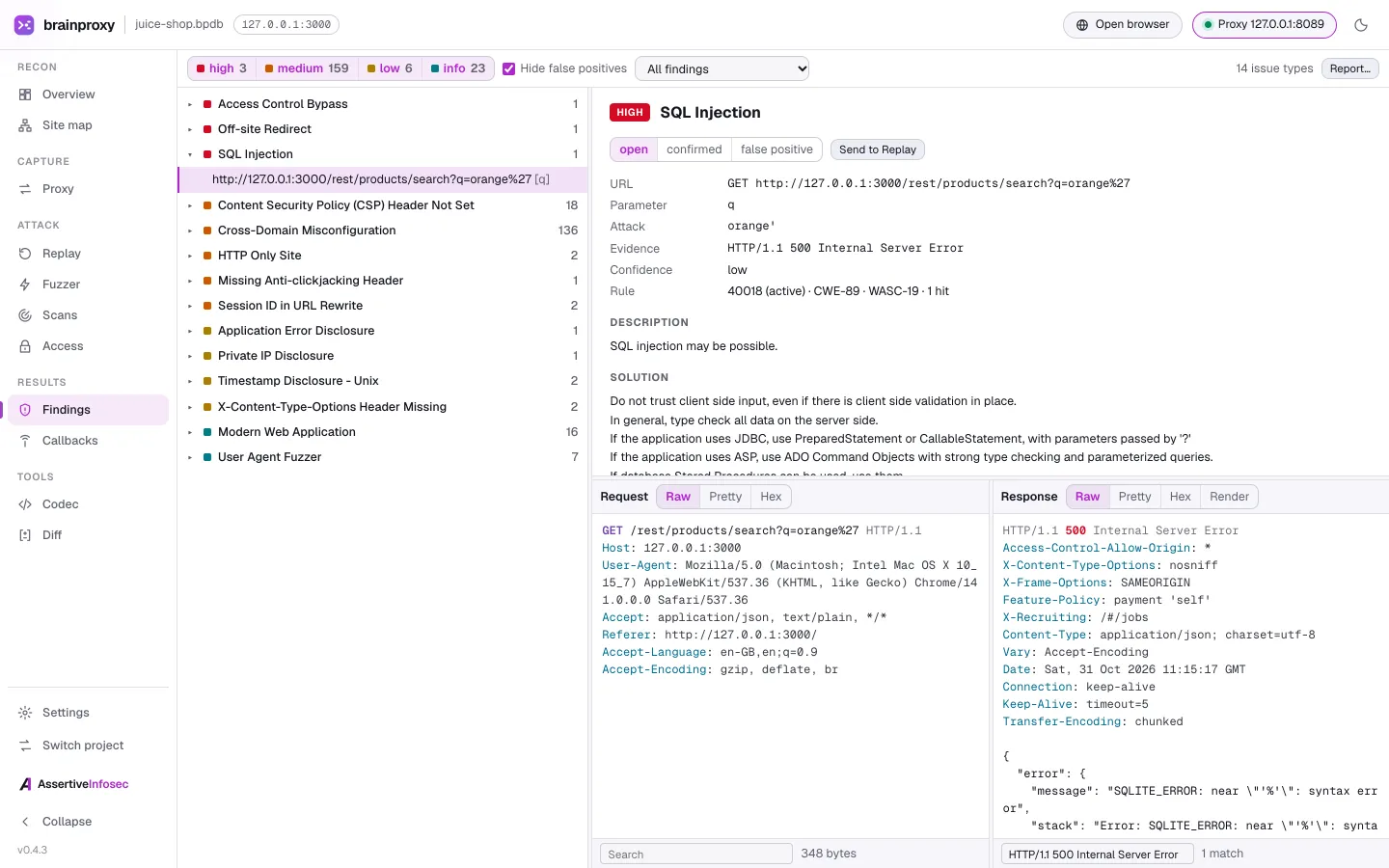
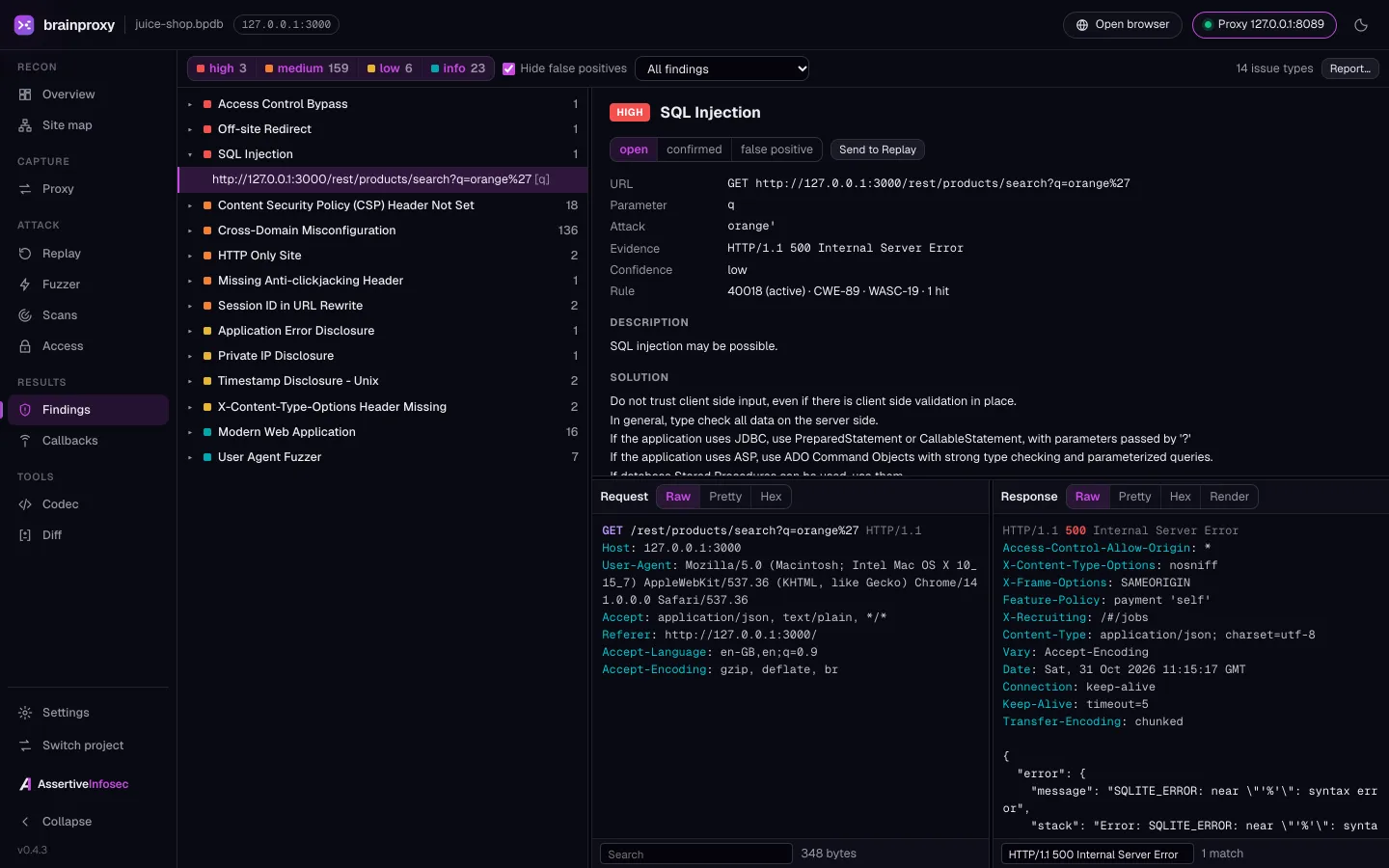
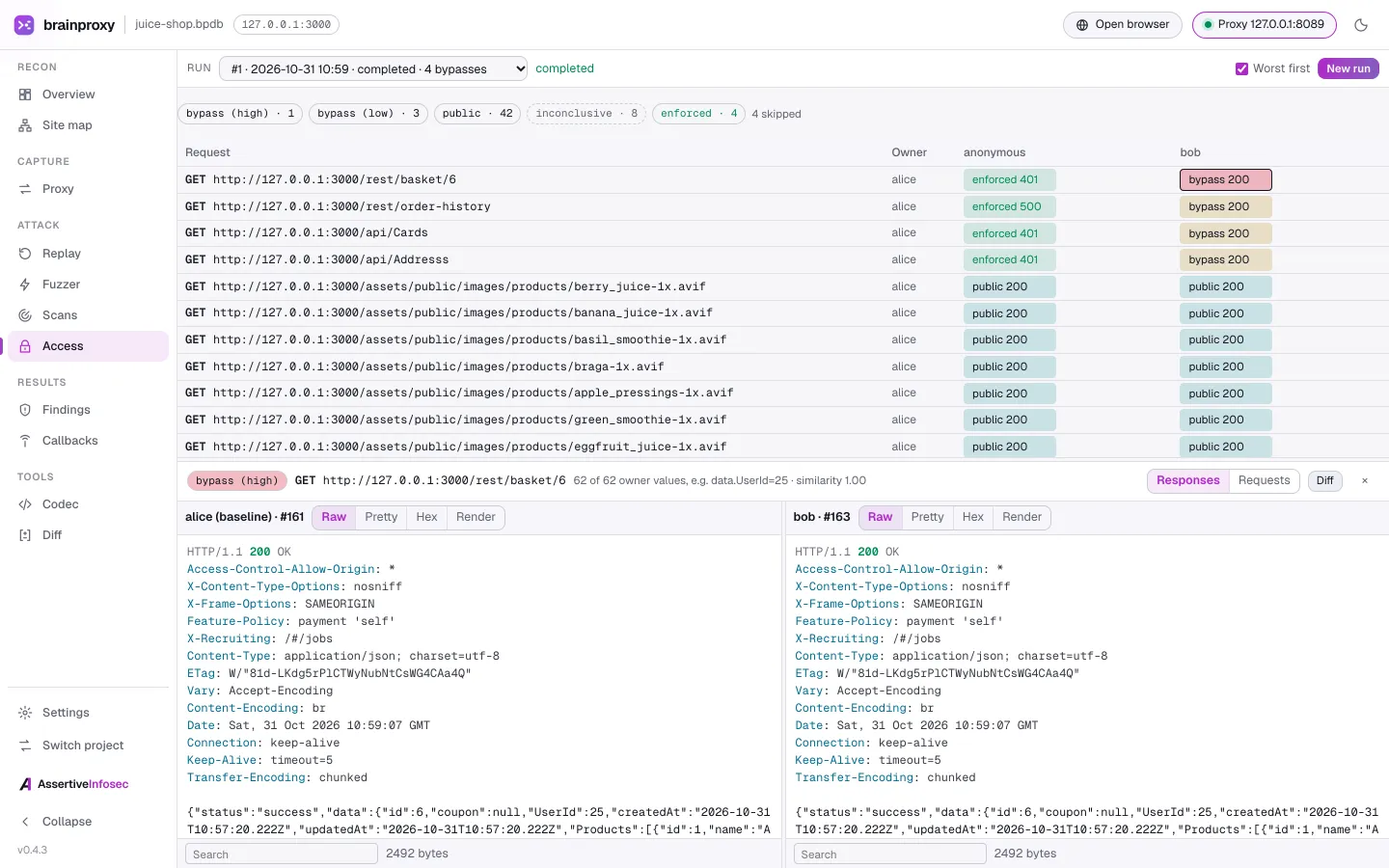
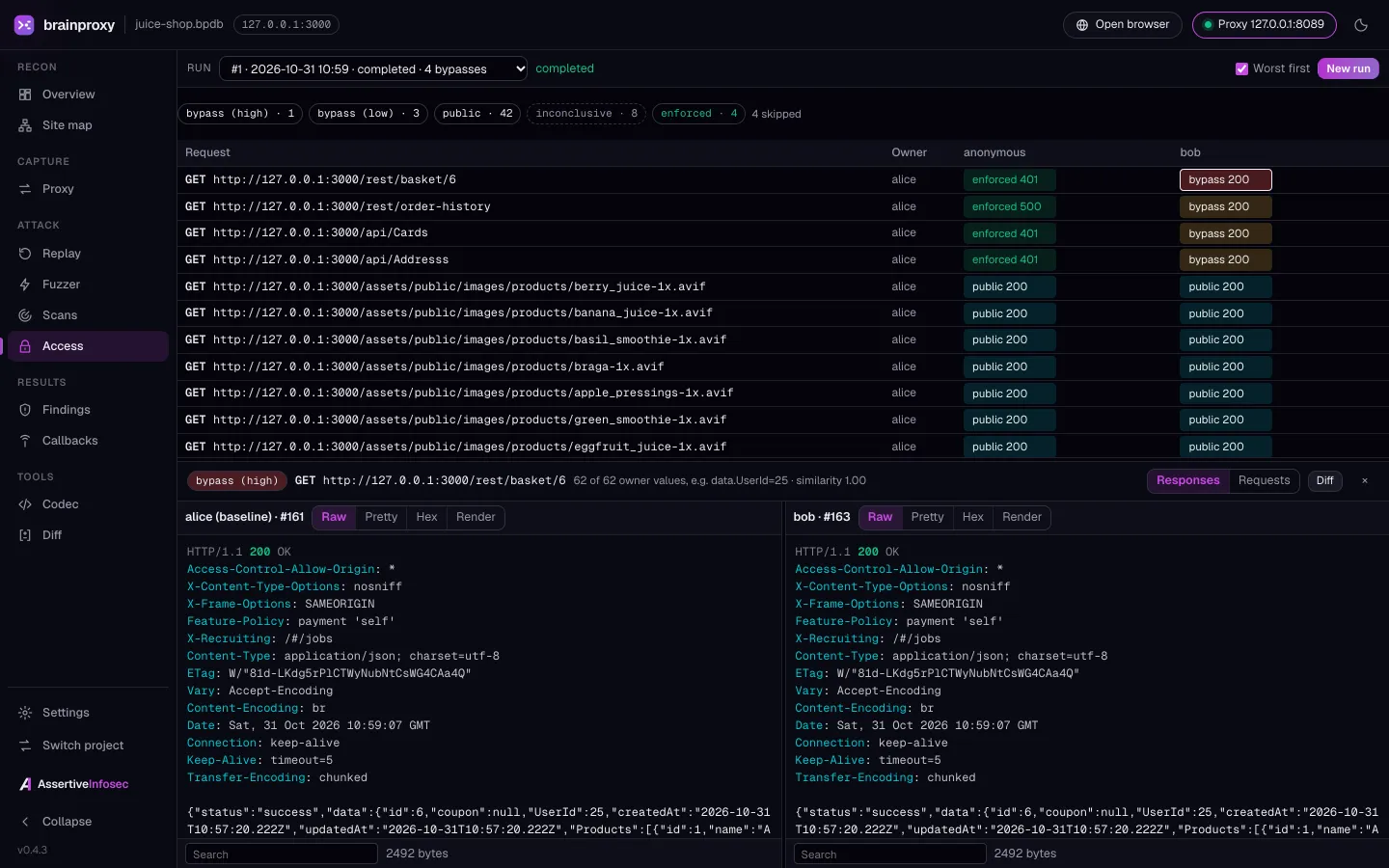
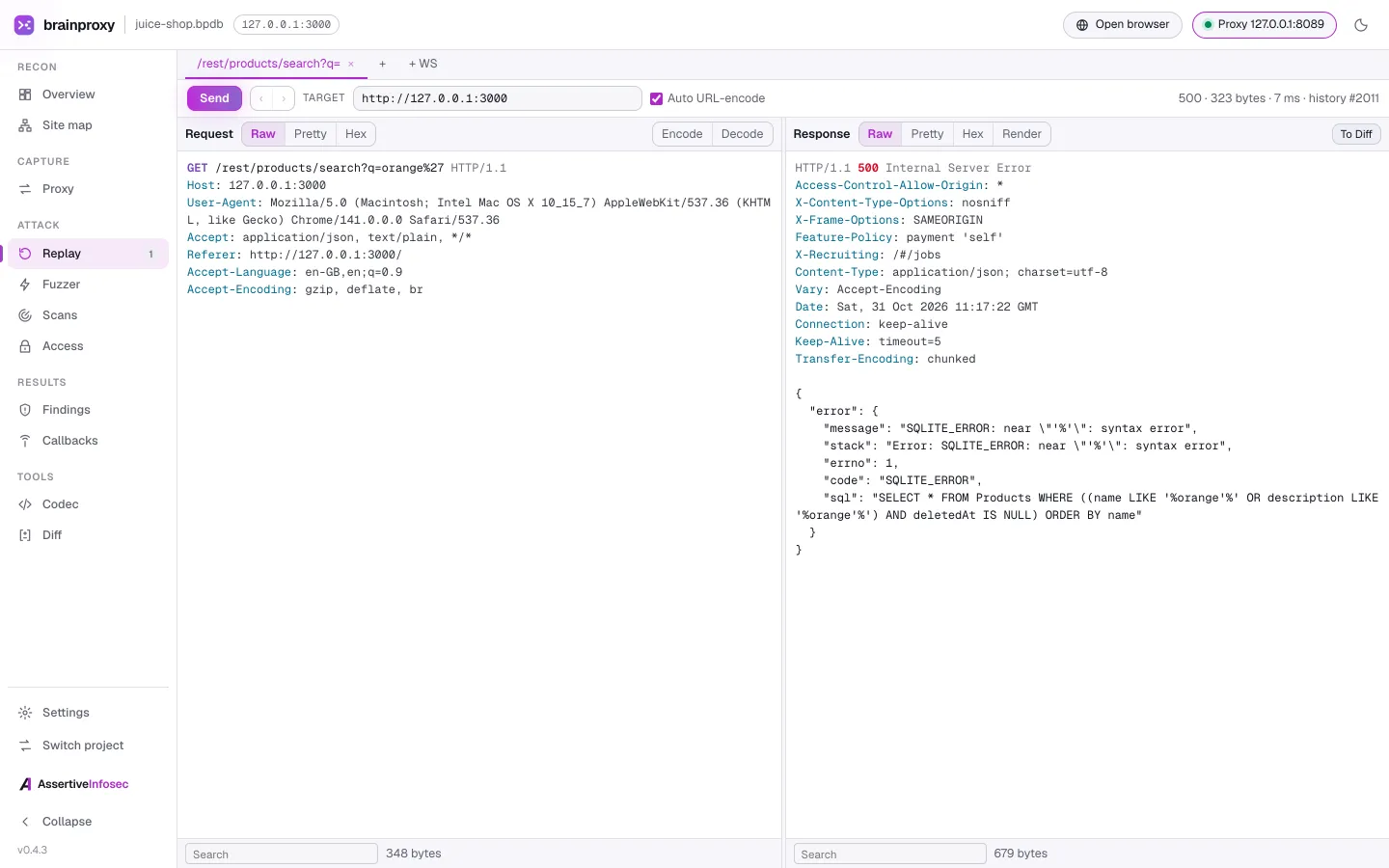
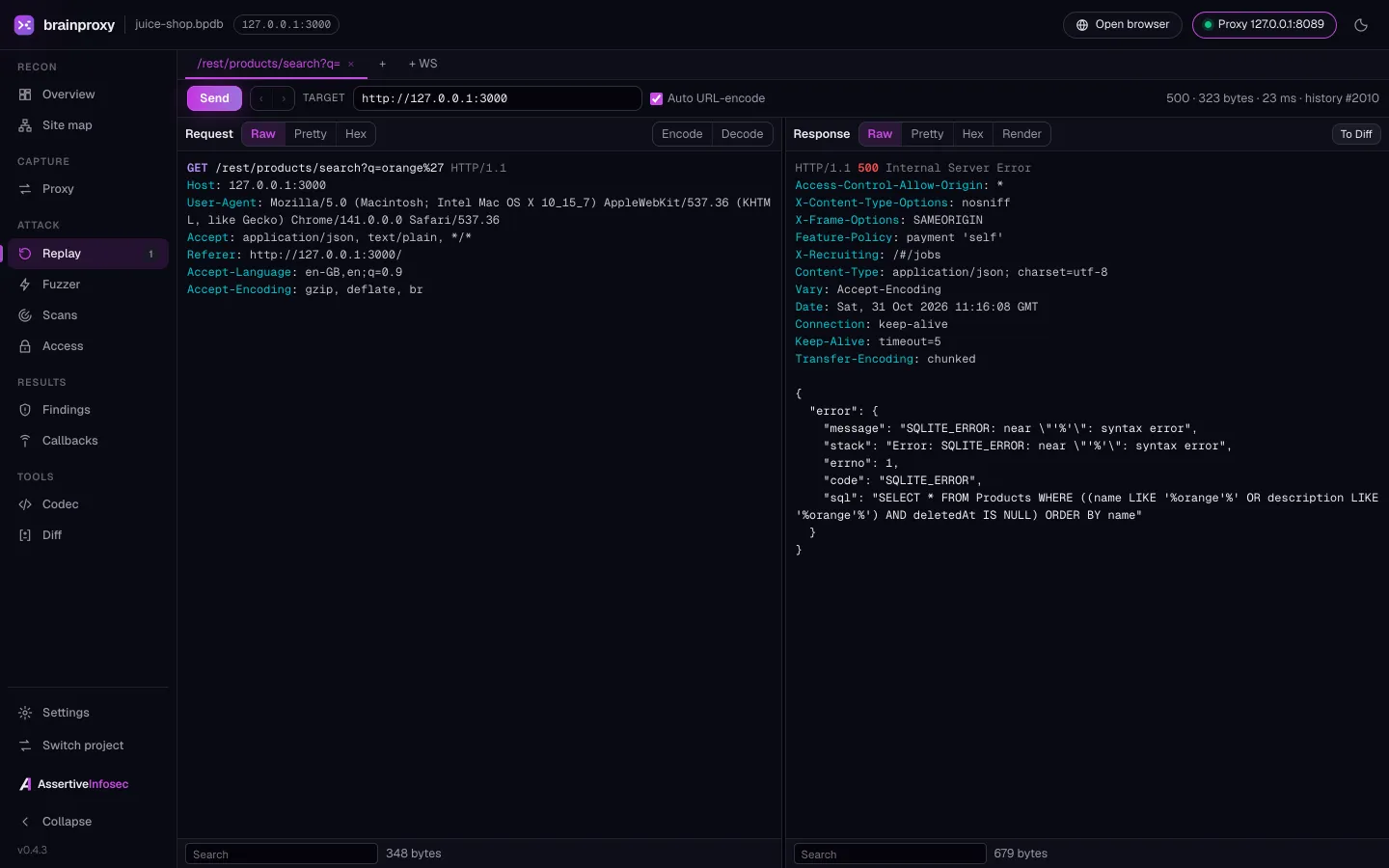
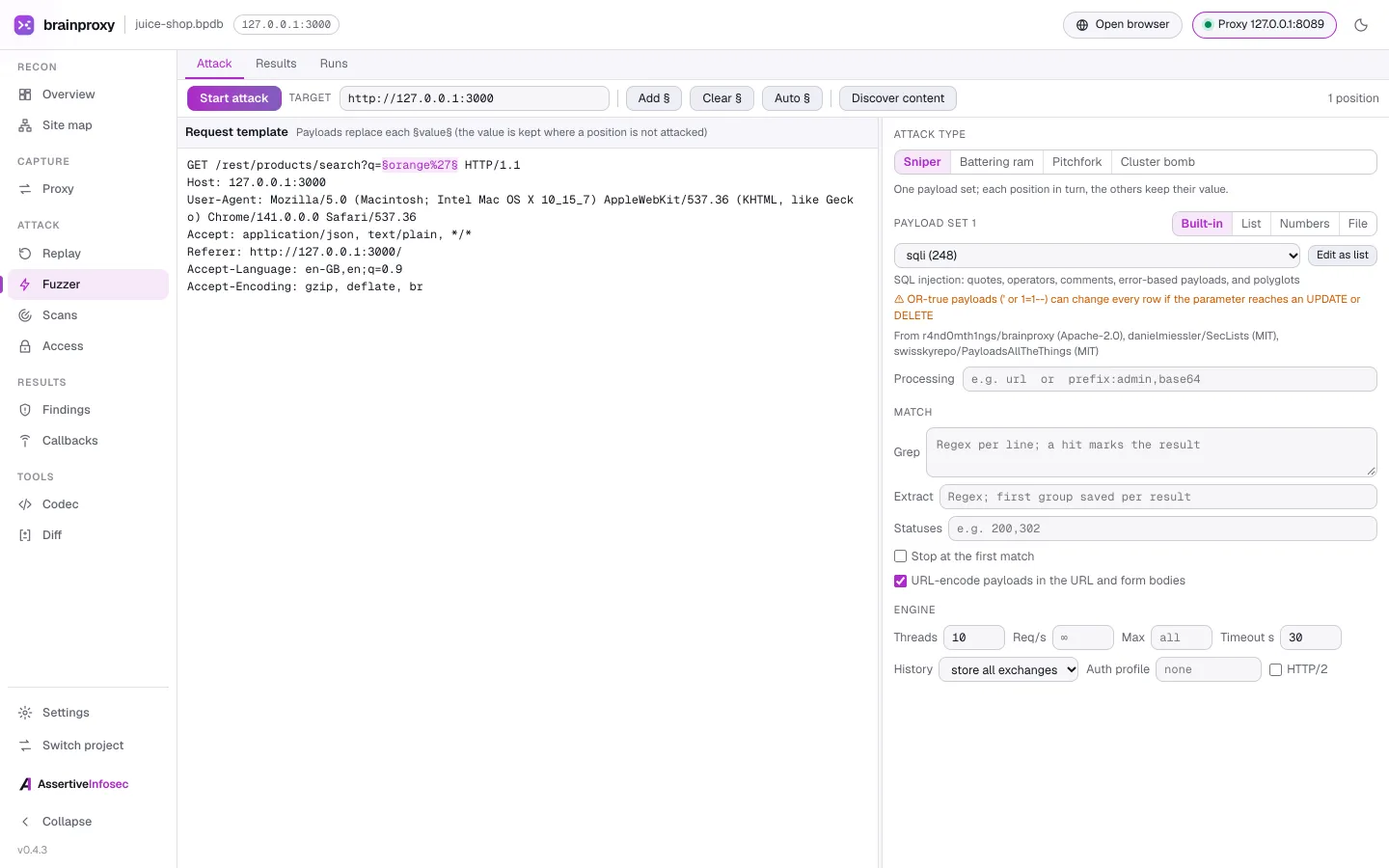
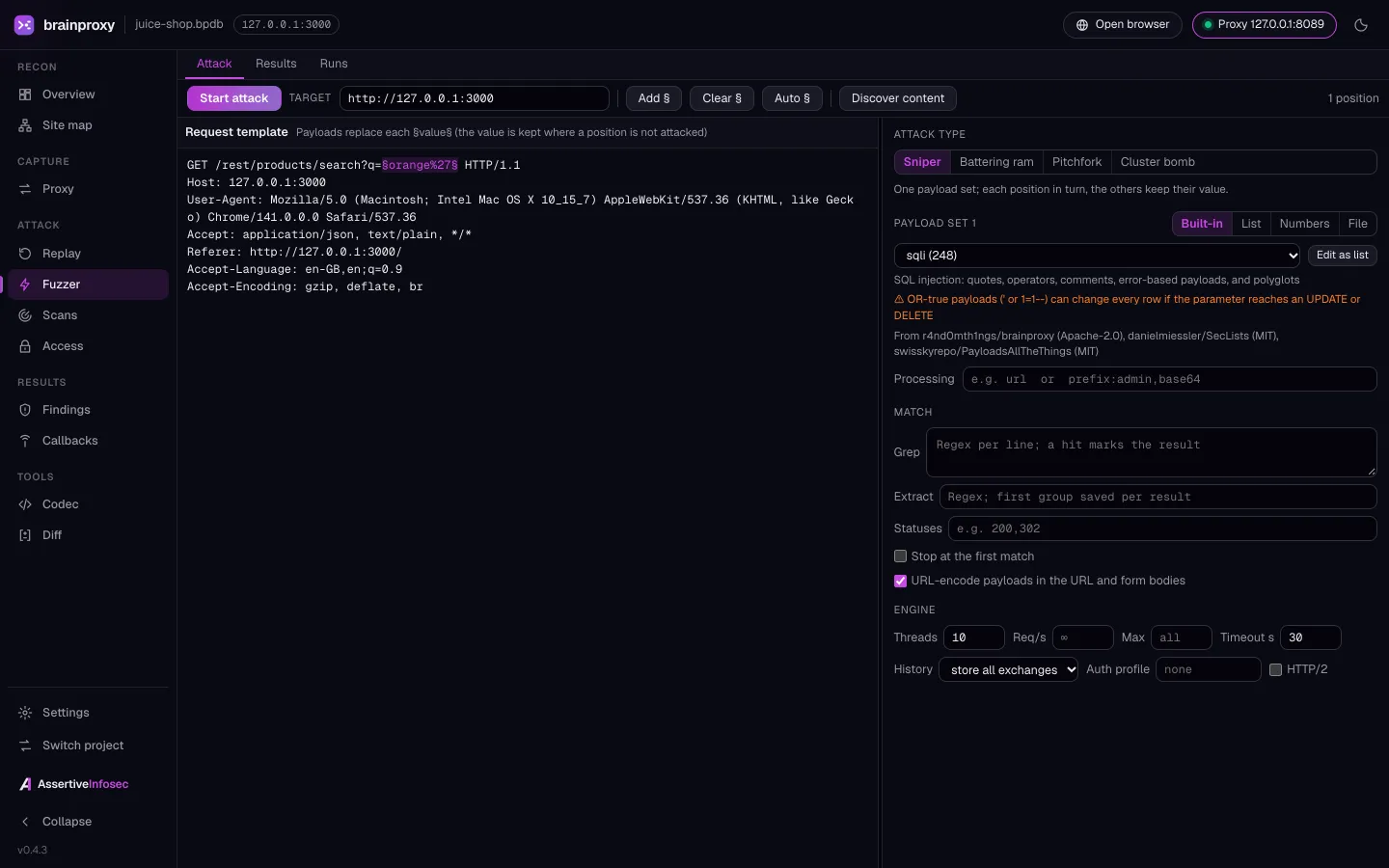
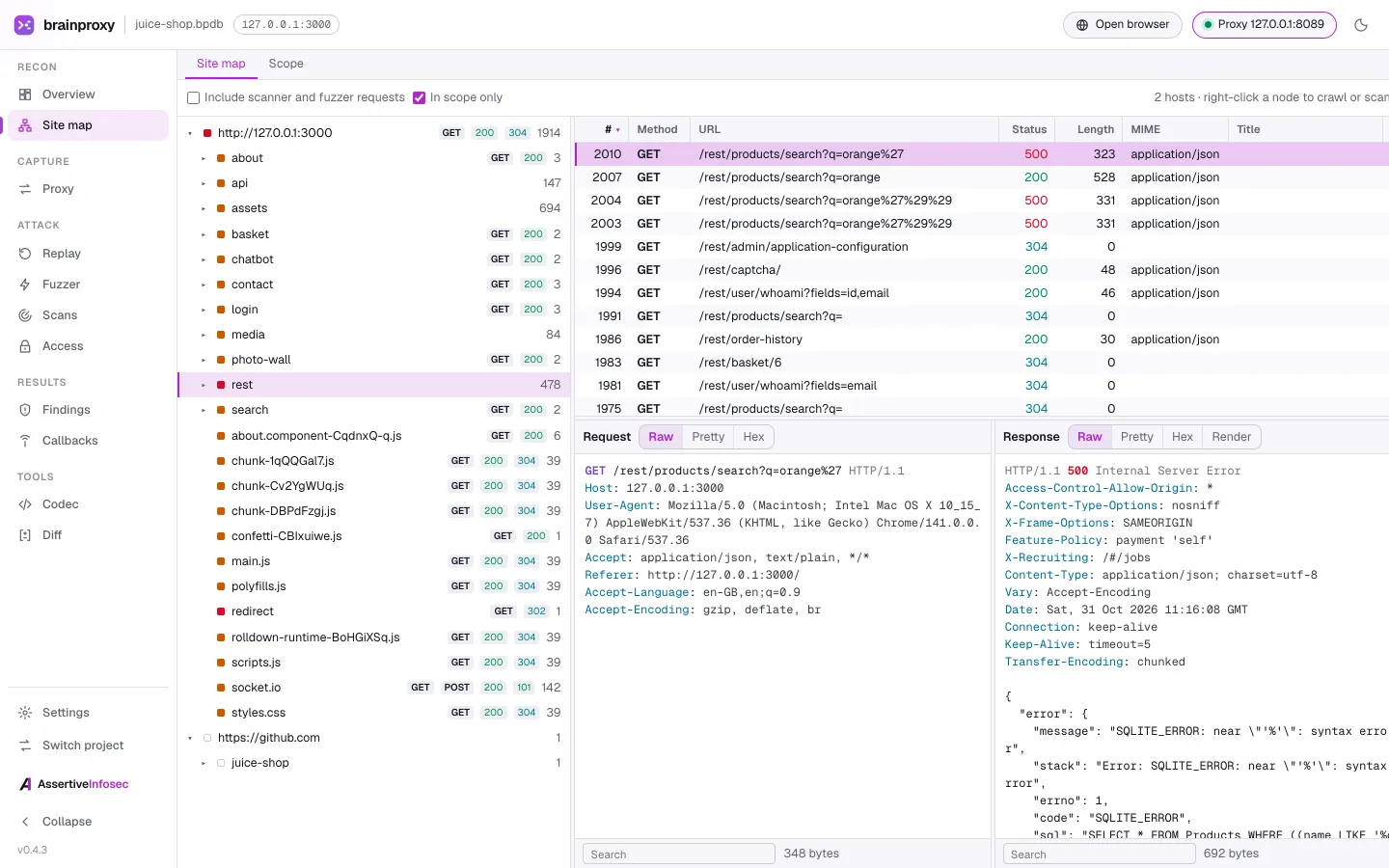
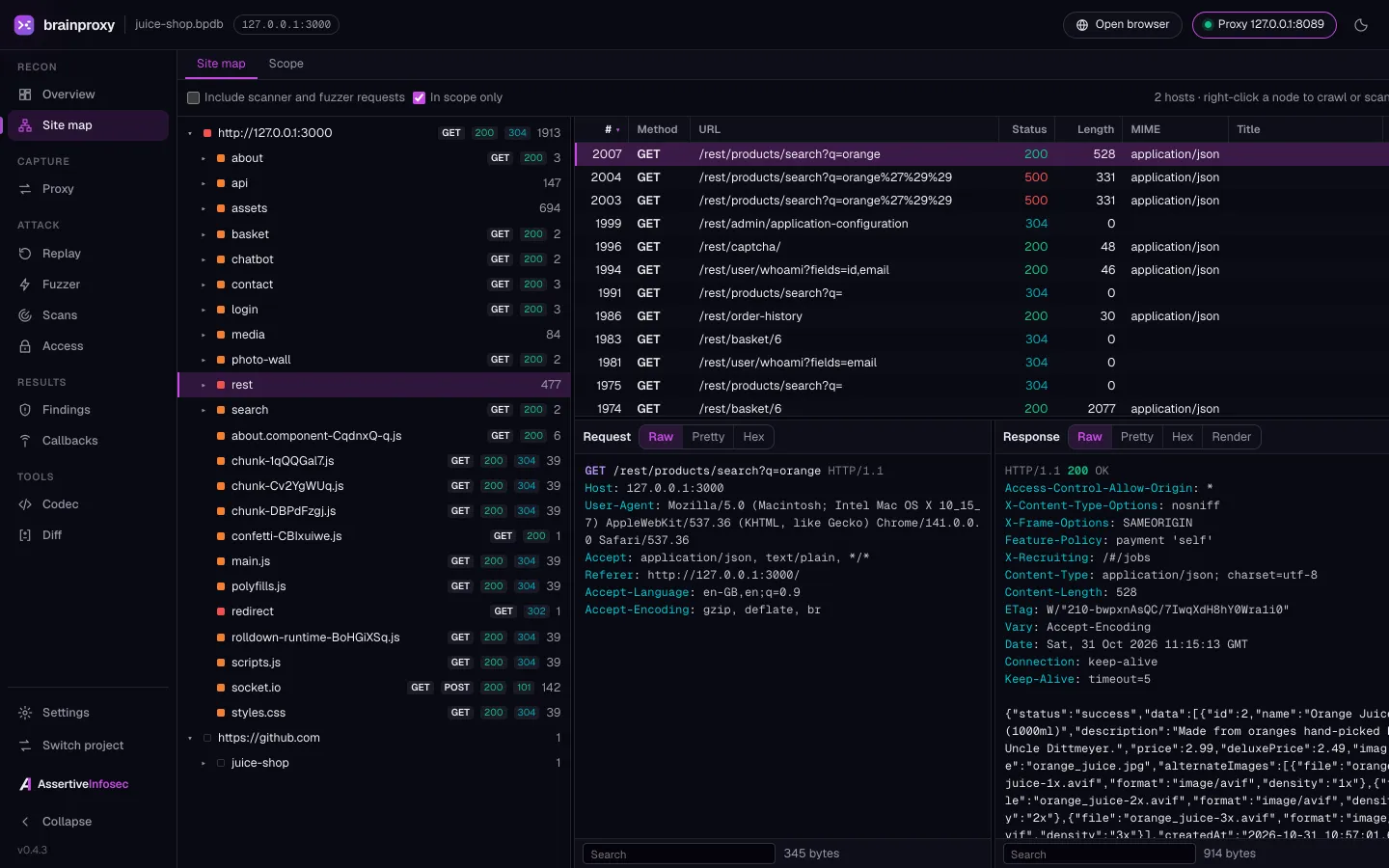
Scope first, always.
Every request brainproxy sends is checked against the scope you set, so a scan can't wander onto systems you haven't agreed to test. On a shared or automated runner you can lock the scope further with a root-owned file that the user running brainproxy can't change.
- Nothing is sent to a target until a scope exists.Every request to a target - proxy, replay, fuzz, crawl and scans - has to match it.
- Checked at connect time.The check runs after DNS resolution, and the connection goes to the address that was checked.
- Write-once.Once you start an engagement, its scope can't be changed or removed.
- Cloud metadata refused.Link-local addresses such as 169.254.169.254 are blocked unless you list them by address.
brainproxy engagement start \
  --target app.example.com \
  --target '*.api.example.com' \
  --exclude 10.0.0.1 --name "ACME pentest"

brainproxy engagement check 10.0.0.7:8443
Runs where you test.
Every release on GitHub ships with SHA-256 checksums. The desktop app includes the CLI, so you only need one.
- macOS (Apple silicon)Desktop app (.dmg)
- Windows 10 and 11Desktop app (setup.exe or .msi), or CLI .exe
- Debian, Ubuntu, KaliDesktop app (.deb)
- Other Linux (x86_64)Desktop app (AppImage), no install needed
- Linux x86_64 and arm64Static CLI binary, no dependencies
One tool in the kit. Braintruder runs the engagement.
brainproxy
- A web testing toolkit you drive yourself: proxy, replay, fuzzer and guided scans
- Scoped to the web apps you point it at
- Findings from scan rules and checks, with the evidence to confirm them
Braintruder
- An AI-driven penetration tester that drives mainstream pentest Linux distributions and their whole toolset - brainproxy is one tool among many
- Chains context across your whole target and hunts real attack paths
- Evidence for every finding, graded against Cyber Essentials, Cyber Essentials Plus and ISO 27001:2022
Questions, answered.
Is it really free?
Yes. brainproxy is open source under the Apache License 2.0. Download it, use it and read the code on GitHub.
Do I need to be a security specialist to use it?
No. The guided scan asks for your website, whether it needs to log in and how thorough to be, then runs and explains the results, and the report puts what to fix first at the top. The proxy, replay, fuzzer and CLI are there when you want to go deeper. Like any automated scanner, it can raise false positives and miss issues, so treat the findings as a starting point.
Why test my own web apps now?
Because attackers increasingly get in through software flaws. Verizon's 2026 Data Breach Investigations Report found that exploited vulnerabilities were the way in for 31% of breaches, overtaking stolen credentials for the first time. The NCSC says the time between a flaw being disclosed and being exploited has shrunk to days, and expects AI to shorten it further. Testing your own apps regularly helps you find and fix issues before someone else finds them.
Sources: Verizon 2026 DBIR · NCSC: Impact of AI on cyber threat
What am I allowed to test with it?
Only systems you own or are authorised to test. brainproxy sends nothing to a target until you set a scope, and checks every request against it, so a scan stays inside what you've agreed.
How does it relate to Braintruder?
brainproxy is one of the many tools Braintruder can run. Braintruder, our AI-driven penetration tester, drives mainstream penetration-testing Linux distributions, including their whole toolset; we built brainproxy because it needed a web testing toolkit it could run safely inside a hard scope. We publish brainproxy so you can run it yourself.
Where do the scan rules come from?
Scan rules are ported from ZAP (zaproxy.org, Apache 2.0), checks can run Nuclei templates (MIT, downloaded on request), and brainproxy adds its own checks from a signed feed. The NOTICE file in the repository credits each source. We're not affiliated with or endorsed by ZAP or ProjectDiscovery.
Test your own web app this week.
Free and open source under Apache 2.0. Download the desktop app, run a guided scan on a site you're authorised to test, and get a report you can act on.